

Aspiring streamers 👋, have you ever wondered how your favorite Twitch or YouTube streamers manage to have those cool backgrounds while playing games? The answer is simple: they’re using a green screen! In this easy-to-follow guide, I’ll teach you how to set up and use a green screen for streaming — even if you’re a total beginner. Plus, I’ll share some of our top picks for lighting equipment that will make your streams look even better. Let’s get started!
This post may contain Amazon affiliate links so I may receive compensation if you purchase products linked to below — think of it as a virtual tip jar!
Choose the Perfect Green Screen for Your Stream 🟩
Before you can dive into using a green screen, you’ll need to pick one out. There are a few different types of green screens available, as well as different sizes to fit your streaming space. Most of your options will be fabric. I recommend the Heysliy green screen, as it’s what I’ve personally used and it comes with a stand, plus clamps — which you’ll definitely end up needing to keep the screen rigid and free of wrinkles
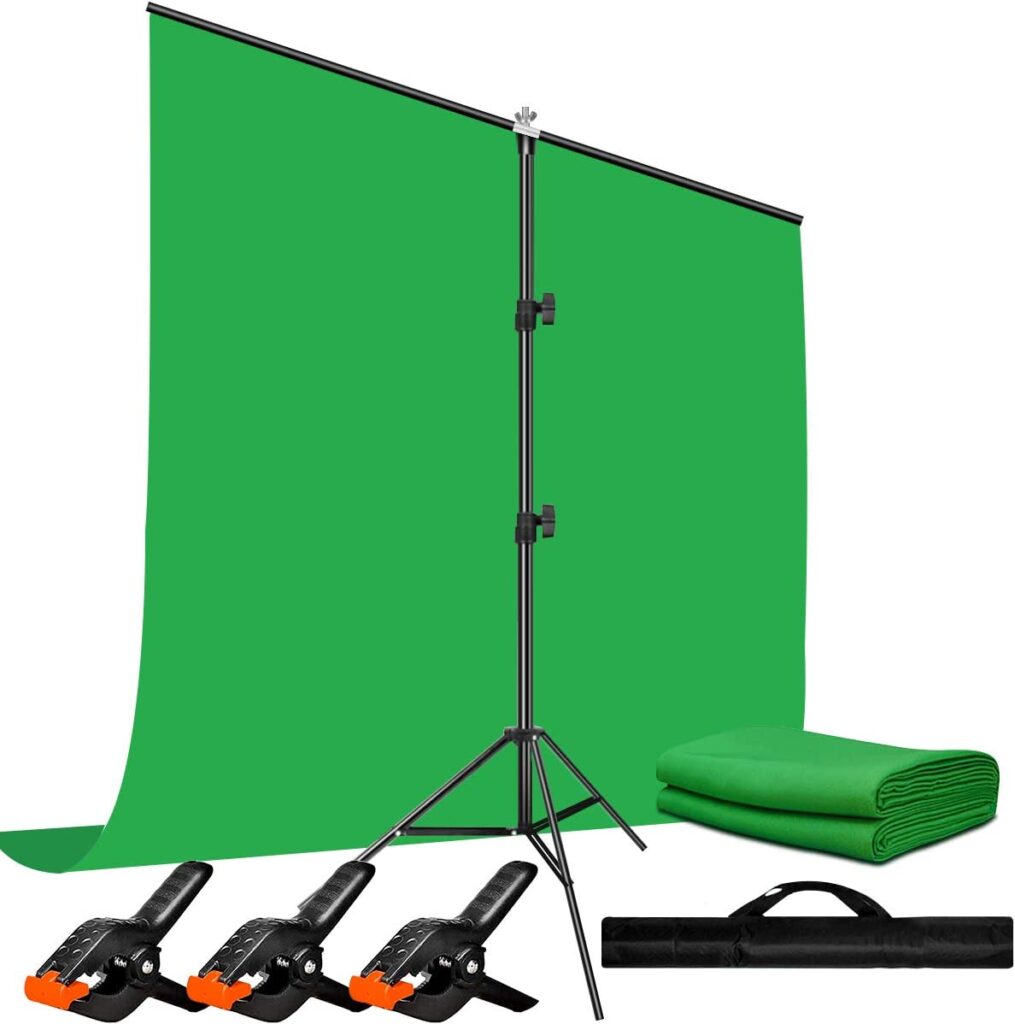
Here are two very important tips for fabric green screens
- Ensure there are as few wrinkles as possible. To do this, you can either iron it or throw it in the dryer
- Most fabric green screens will have a matte, rough side, as well as a smooth, shiny side — you want to have the matte, rough side facing the camera
Looking to level up your stream’s audio quality? Check out the best budget XLR microphones for streaming here!
Setting Up Your Green Screen in the Perfect Spot 📏
Once you’ve got your green screen, it’s time to set it up! Find a spot in your streaming area where you can hang or place the screen so it’s directly behind you. Make sure it’s stretched tight and wrinkle-free, as this will help create a more consistent green color for OBS to key out in your stream.
Too many wrinkles!!
Illuminate Your Green Screen for the Best Results 💡
To get the most out of your green screen, proper lighting is required. A well-lit green screen will make it much easier for your streaming software to remove the background and replace it with your chosen image or video. Here are two great options to consider for your lighting setup:
- Torjim Softbox Kit : These versatile lights have adjustable brightness & color temperature, but more importantly the lighting is diffused. Diffused lights are important because they won’t cast harsh shadows on your green screen
- Elgato Key Light: A key light is essential for lighting you, the subject. This light comes with software that allows you to adjust the brightness and temperature right from your computer
You want multiple lights, because you’ll need at least one to illuminate you, as well as a minimum of one more light to illuminate your green screen. This second light ensures ample green screen illumination, so OBS or whichever streaming program you’re using doesn’t have trouble keying it out.
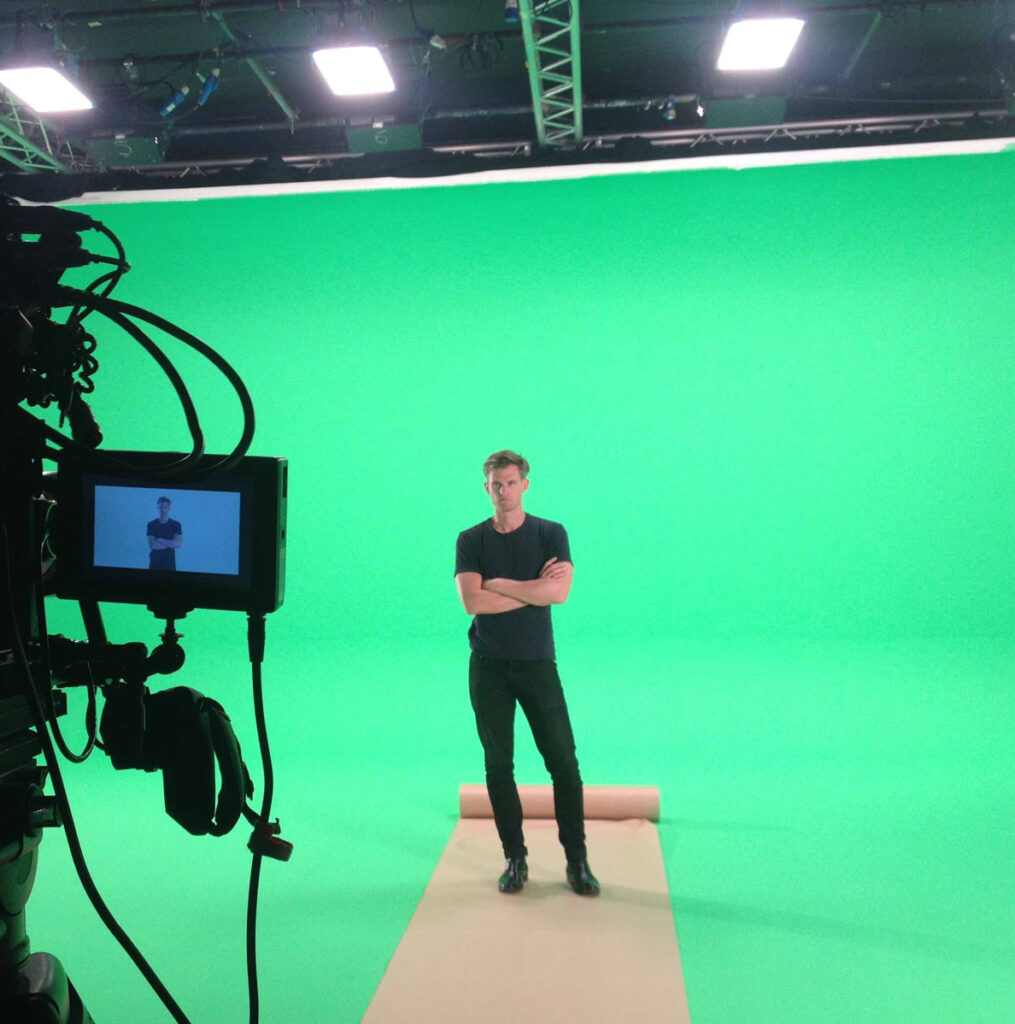
And be sure your lights are the proper distance from your green screen and are diffused. If they’re too close and not diffused, the light will be too harsh and cast shadows. However, if they’re too far, not enough light will be cast on the screen or on your subject (you!). So take some time to figure out the optimal light positioning for your stream!

Illuminate Your Green Screen for the Best Results 💡
Now that your green screen and lighting are in place, you’ll need to configure a chroma key. Most popular streaming software, like OBS Studio and XSplit, have this feature built in.
Below is an example of how to add the chroma key in a source’s Filters

🌟 Ready to Stream with Your New Green Screen! 🎉
Congrats, you’re now ready to use a green screen for your streaming! 🥳 But if you want your facecam to be crystal clear like a lot of the big streamers, you’ll want to use a DSLR camera like this